
LOVART AI
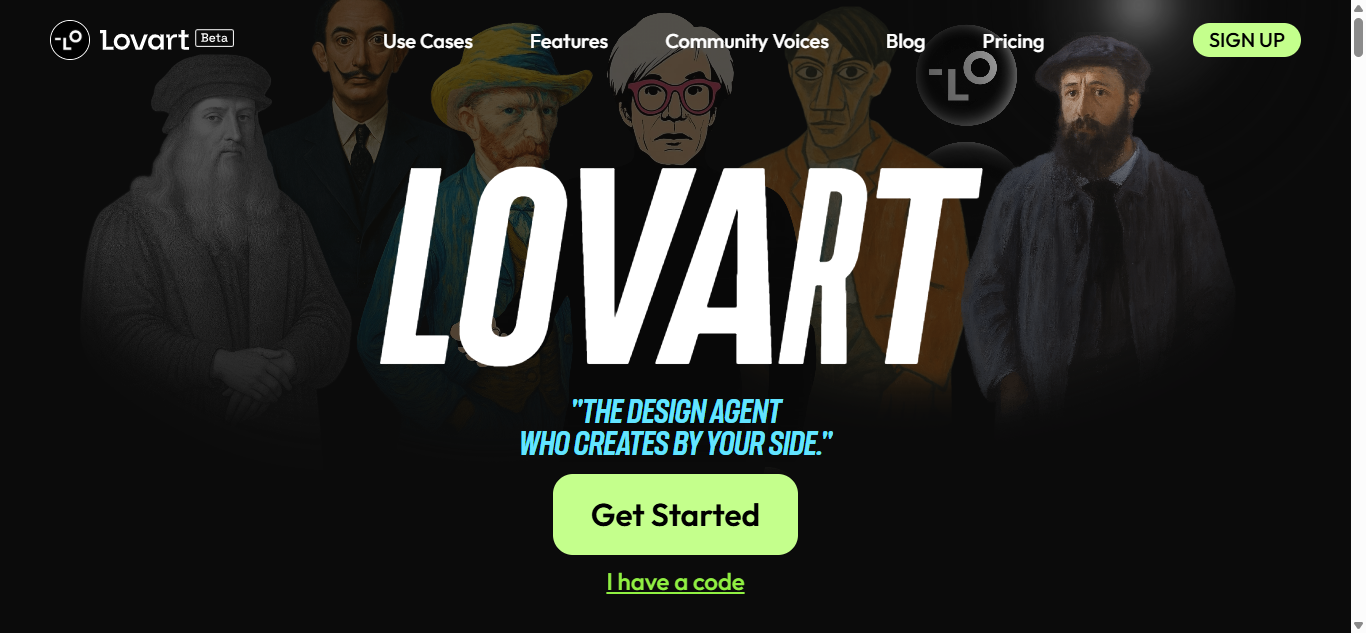
Lovart AI bridges the gap between AI generation and hands-on artistry, offering unparalleled creative freedom. Whether you’re a digital painter seeking AI assistance or a studio needing scalable asset creation, Lovart provides the tools to create faster, smarter, and beyond imagination.
Introduction
Lovart AI is revolutionizing digital artistry by combining generative AI with professional creative tools, enabling artists, designers, and content creators to produce stunning visuals faster than ever. Designed for both professionals and enthusiasts, Lovart AI offers text-to-image generation, AI-assisted painting, and smart editing tools—all in one intuitive platform.
Why Creatives Choose Lovart AI
🎨 AI-Powered Art Generation – Transform ideas into visuals instantly
✏️ Natural Drawing Experience – Pressure-sensitive brushes & layers
🔄 Smart Editing Tools – Auto-enhance, refine, and upscale
🚀 Lightning-Fast Rendering – GPU-optimized for smooth workflows
🌍 Multi-Platform – Web, desktop, and tablet-ready
Key Features
1. AI Art Generation
Text-to-Image – Generate art from prompts
Style Transfer – Apply artistic filters
Image-to-Image – Refine or remix existing work
Custom Model Training – Fine-tune AI for unique styles
2. Professional Digital Painting
Realistic Brush Engine – Oil, watercolor, ink & more
Layer Support – Blend modes & masks
Vector Editing – Non-destructive workflows
Animation Tools – Frame-by-frame & interpolation
3. AI-Assisted Workflows
Auto-Coloring – Convert sketches to full-color art
Background Removal – One-click cutouts
Upscaling – Enhance resolution without quality loss
Smart Inpainting – Fill or modify areas seamlessly
4. Collaboration & Sharing
Cloud Projects – Sync across devices
Team Workspaces – Share & co-create
Export Formats – PNG, PSD, SVG, MP4
NFT-Ready Outputs – Blockchain metadata support
5. Enterprise Solutions
Custom AI Models – Brand-specific styles
API Access – Integrate into pipelines
Bulk Generation – For marketing & agencies
Commercial Licensing – Full rights for businesses
Who Uses Lovart AI?
1. Digital Artists
✓ Speed up concept art & illustrations
✓ Experiment with AI-assisted styles
✓ Refine sketches into polished works
2. Game & Film Studios
✓ Generate textures & assets
✓ Storyboard & pre-visualization
✓ Character design automation
3. Marketing & Agencies
✓ Create ad visuals in minutes
✓ Maintain brand consistency
✓ Scale content production
4. Social Media Creators
✓ Unique posts & thumbnails
✓ AI-enhanced photo editing
✓ Animated content generation
Pricing & Plans
| Plan | Price | Best For |
|---|---|---|
| Free | $0 | Beginners & testing |
| Pro | $12.99/mo | Freelancers & artists |
| Team | $29.99/mo | Small studios |
| Enterprise | Custom | Large-scale needs |
(Annual billing discounts available)
Lovart AI vs Alternatives
| Feature | Lovart AI | MidJourney | Adobe Firefly |
|---|---|---|---|
| Drawing Tools | ✅✅ Full suite | ❌ No | ✅ Limited |
| Custom AI Training | ✅✅ Yes | ❌ No | ❌ No |
| Animation Support | ✅✅ Yes | ❌ No | ❌ No |
| Commercial Use | ✅✅ Flexible | ❌ Restricted | ✅ With limits |
✅ Lovart AI Advantages:
✔ Best hybrid AI + manual editing
✔ Full creative control with layers & vectors
✔ No prompt guessing—direct refinement
❌ Limitations:
Smaller community than MidJourney
Advanced features require learning
Getting Started
1️⃣ Sign up for free
2️⃣ Generate or import artwork
3️⃣ Edit with AI tools or brushes
4️⃣ Export & share
Success Stories
🎮 Indie Game Studio
*”Cut asset production time by 70% with AI-generated textures”*
📱 Social Media Influencer
*”Grew engagement 3x using AI-enhanced visuals”*
Lovart AI Ecosystem
Plugin Marketplace (Brushes, styles, LUTs)
Artist Community (Tutorials & challenges)
API for Developers (Custom integrations)
FAQ
Q: Can I use Lovart AI commercially?
A: Yes, Pro+ plans include full commercial rights.
Q: Does it work offline?
A: Desktop app supports offline painting (AI features require web).
Q: What AI models does it use?
A: Custom diffusion models + Stable Diffusion variants.
Q: Can I train on my own art style?
A: Yes, Enterprise supports custom model training.
Q: Is there an NSFW filter?
A: Yes, toggleable in settings for work-safe outputs.
Conclusion
Lovart AI bridges the gap between AI generation and hands-on artistry, offering unparalleled creative freedom. Whether you’re a digital painter seeking AI assistance or a studio needing scalable asset creation, Lovart provides the tools to create faster, smarter, and beyond imagination.